
Budgeting
Your First 7 Days with BillFoldify
A calm seven-day setup: add accounts, set categories, log spending, scan receipts, review the week, set one goal, and check progress.
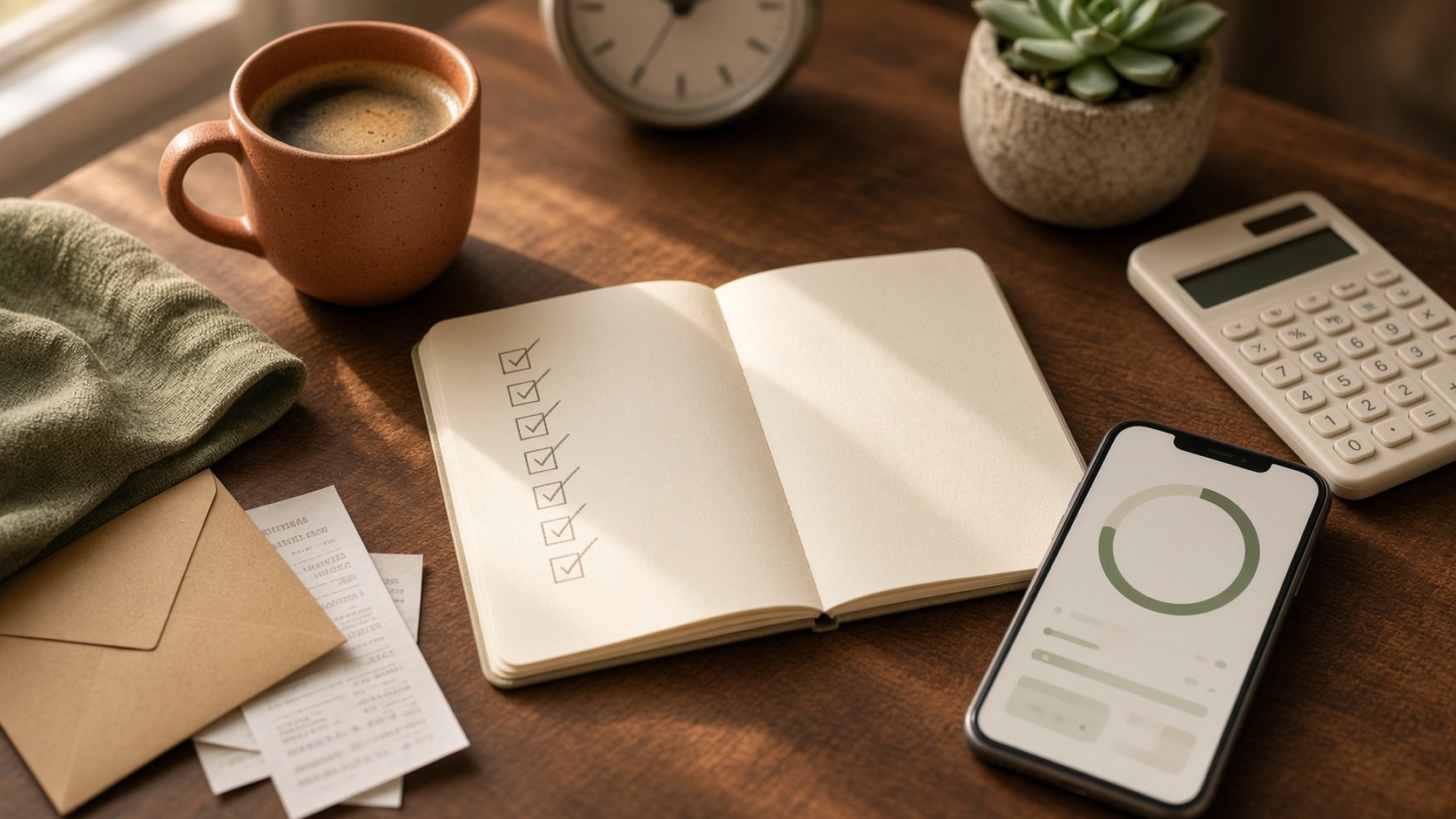
A new money app is most useful in the first week, or it quietly becomes another icon. The aim of these seven days is not a perfect budget. It is a picture of your real spending that you can trust enough to use next week.
Each day should take a few minutes. Skip a day if life is loud, then pick up the next step rather than restarting.
Before day 1
Install BillFoldify and keep last week’s receipts or bank SMS nearby. You do not need a full year of history. Seven days of honest records beat a blank dashboard.
BillFoldify is built for everyday finances: accounts, categories, transactions, budgets, recurring payments, savings goals, and receipt workflows in one place. You will not use every feature this week. You only need a working loop.
Day 1 — Add accounts
Add the places money actually lives: a main bank account, a daily card, cash if you use it, and a separate account if you already split home and work.
Keep the list short. Two or three accounts is enough for week one. Names should be obvious later, such as “Daily card” rather than the bank’s product name.
If you share a household, you can still start with your own view. Family invites can wait until the personal picture is clear.
Day 2 — Set categories
Choose a small set you can assign in two seconds:
- Housing
- Food
- Transport
- Bills
- Health
- Family
- Personal
- Income
Resist a category for every shop. FairPrice, a hawker meal, and a late-night snack can all sit in Food until you know you need a split. Extra categories are easy to add later and hard to live with on day 2.
Day 3 — Log spending
Record yesterday and today. Amount, account, category, and a short note if the name on the statement will not make sense in two weeks.
Log the small items. Delivery fees, top-ups, and extra rides are the ones that disappear from memory. If you cannot remember an amount, estimate and mark it in the note as “estimate” so you can tidy it when the statement arrives.
The goal today is coverage, not precision.
Day 4 — Scan receipts
Photograph the paper still in your bag or on the counter. BillFoldify’s receipt and invoice workflow can pull merchant, date, and total so you type less.
Treat the extract as a draft. Check the total, the date, and the category before you save. Folded, dark, or cropped photos fail more often than a flat, well-lit shot.
Keep the original when the receipt is for a warranty, a return, or a work claim.
Day 5 — Review the week
Ten minutes is enough. Look at the last seven days and ask:
- Which category moved faster than expected?
- Which payment was planned, and which was a leak?
- Is any recurring bill missing from the list?
You are not scoring the week. You are noticing one thing to change before next week starts — a lower delivery limit, a subscription to cancel, or a bill to add as recurring.
Day 6 — Set a goal
Pick one target with a name, an amount, and a date. “Save more” is not a goal. “Emergency buffer of $1,000 by 31 December” or “Flights home in March” is.
Keep it small enough that this month can contribute something. BillFoldify can show progress next to your budgets so the goal stays in the same view as spending, instead of on a sticky note.
If you already know a large bill is coming, the goal can be “hold $X for insurance in November.”
Day 7 — Check progress
Open the dashboard. You should see accounts, a few categories with real numbers, this week’s transactions, and one goal.
Ask only this: is the picture good enough to keep using tomorrow? If a category is messy, merge it. If an account is unused, hide it. If you skipped days 3 and 4, log today’s spend and continue. The habit is the product.
What not to do in week one
- Do not import three years of history.
- Do not build twenty categories.
- Do not wait for a “quiet Sunday.”
- Do not compare your week to someone else’s budget template.
BillFoldify is an expense-recording and planning tool, not tax, credit, or investment advice. Use it to see what happened, then decide the next small change yourself.
Get started with BillFoldify
Start with day 1 today. The rest of the week only works if the first account exists.


BillFoldify is free on iOS and Android. Seven days of records is enough to make the next month easier to follow.